

Transfer Liaisons can maintain a list of key transfer contacts and support links at their institution via the editing dashboard. To access the support directory, follow the steps outlined below.
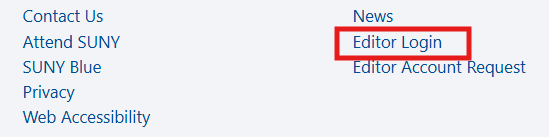
(1) Login to the campus editor dashboard by accessing the link in the footer of the STEP website.
(2) Once logged in, access the Campus Profile menu item on the Editor Dashboard.

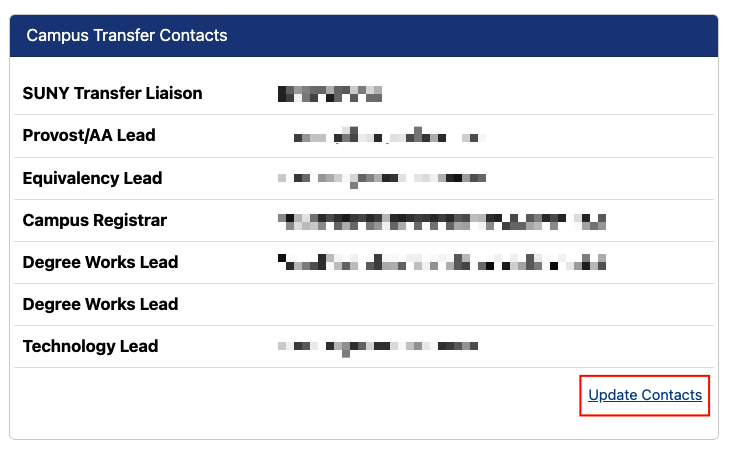
(3) Navigate to the Campus Transfer Contacts section, and select “Update Contacts”.
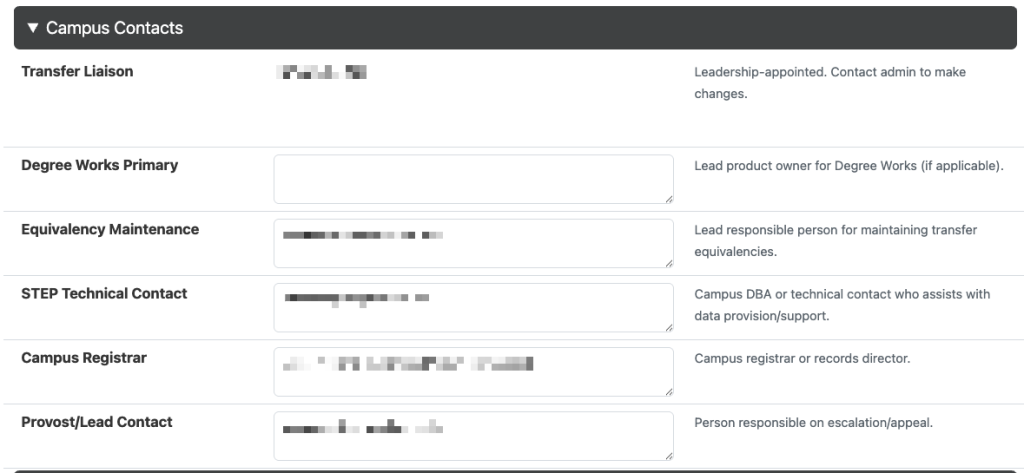
(4) In the Campus Contacts section, you may enter or edit contacts in the following format: First Name Last Name (email address). Update all applicable roles and click “Submit Query”. Transfer Liaisons will be updated directly by our office.
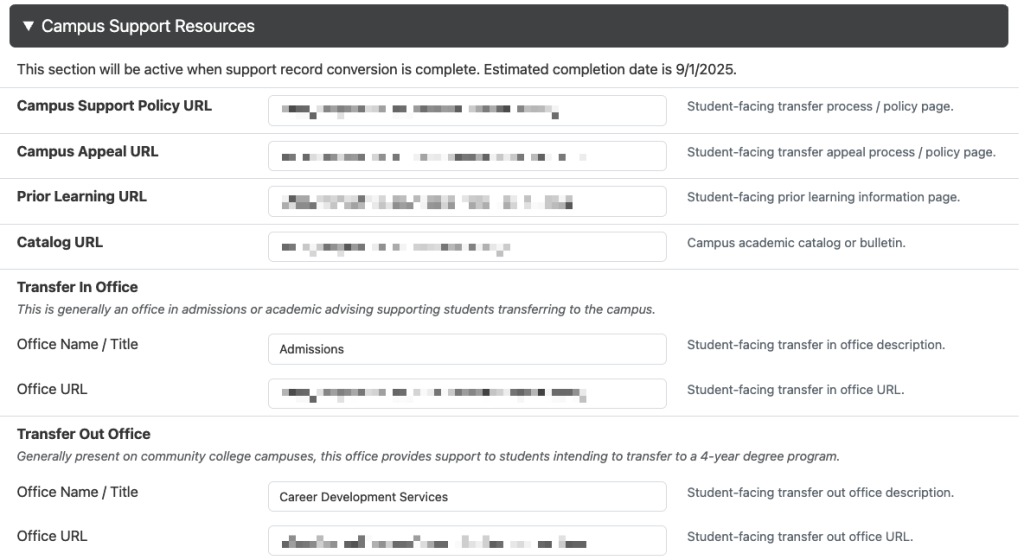
(5) In the Campus Support Resources section, you may enter or edit important transfer support links from your institution’s website or catalog. Update all applicable fields and click “Submit Query”.

Contact our office for assistance or to provide additional updates!